
Microsoft Edge
Microsoft Edge for Android is Microsoft's mobile web browser, syncing favourites, passwords and tabs with Edge on your Windows PC.
252.5 MB

139.0.7339.0 · Geometry OU · Page updated
Kiwi Browser was a Chromium-based Android browser with desktop extension support; it was discontinued in January 2025, with Microsoft Edge as the successor.
Average 0.0 · ratings: 0
Thank you! Your rating is saved; you can change it. Could not save the rating. Please try again later. Too many ratings from your network today. Please try again tomorrow. The average appears after 5 ratings.
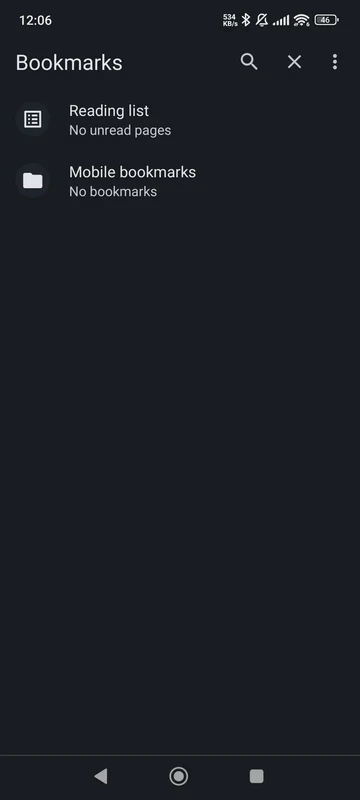
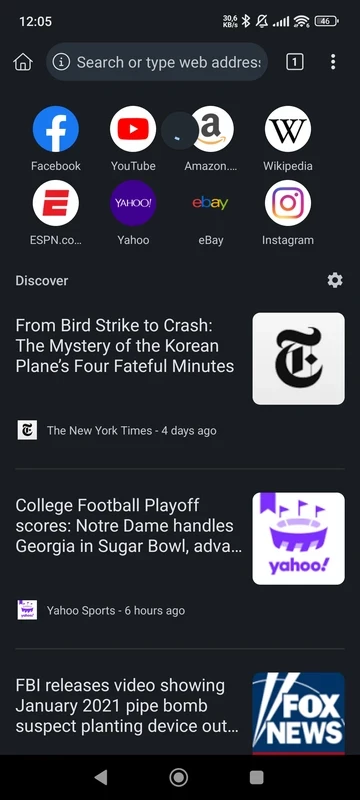
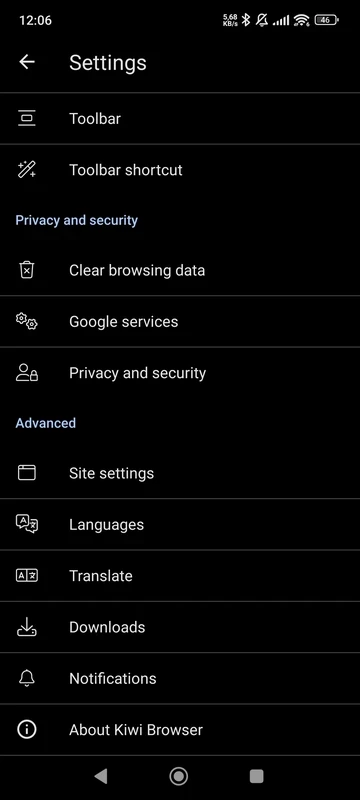
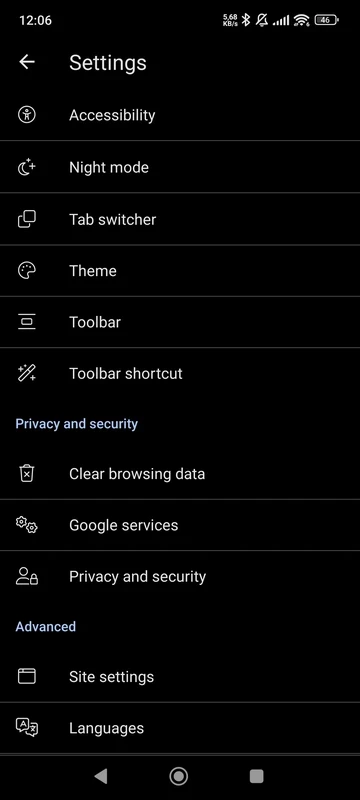
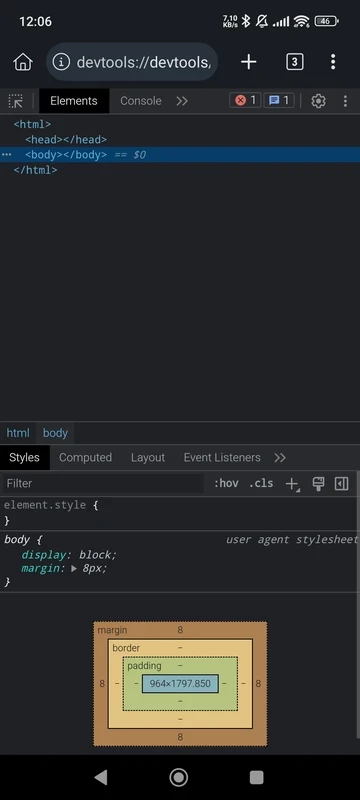
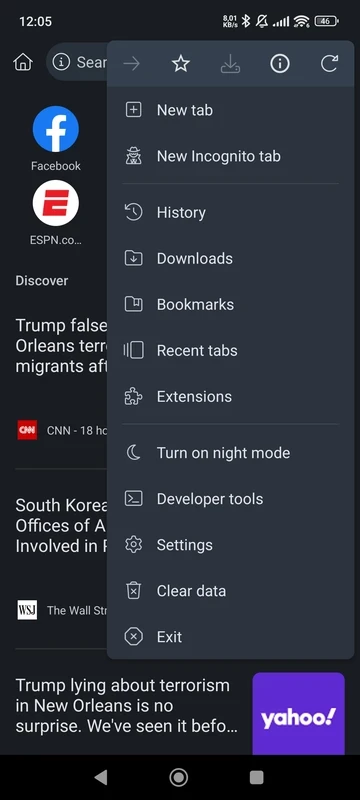
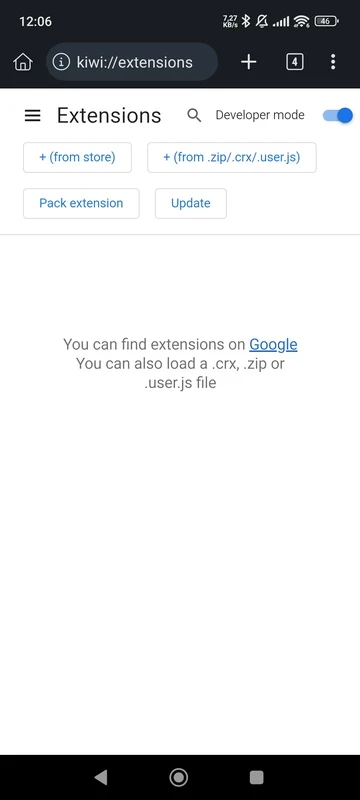
Kiwi Browser 139.0.7339.0 is the last listed build of a Chromium-based web browser for Android from Geometry OU. The project was discontinued on January 31, 2025, and Microsoft Edge for Android is the recommended successor, so this download is now an archive version rather than a browser with ongoing updates.
Kiwi Browser appeared as an independent alternative to the browser preinstalled on Android phones. It was built on Chromium, the open-source base of Google Chrome, which meant that pages looked and behaved much as they do in Chrome, while its developer added extra options on top. The feature people remembered it for was support for Chrome desktop extensions on a phone: ad blockers, password managers, translators and developer tools that normally run only on a computer. Around that, Kiwi offered a night mode, a bottom address bar that was easier to reach with one hand, and a set of privacy settings. For a small, one-developer project it gathered a loyal audience among Android enthusiasts. Keeping a Chromium fork current is a lot of work, though, because the base code receives security fixes every few weeks. In January 2025 development stopped, and Microsoft Edge for Android was named as the place to move to.
| Item | Details |
|---|---|
| Last listed version | 139.0.7339.0 |
| Developer | Geometry OU |
| Platform | Android |
| Status | discontinued on January 31, 2025 |
| Successor | Microsoft Edge |
| Licence | Freeware |
| Size | about 232.94 MB according to catalogue data |
Kiwi kept bookmarks, history, saved passwords and extensions locally on the phone. Nothing was deleted when the project ended, and an installed copy may still start. Because no new versions come out, however, the browser engine falls further behind with every month, and security holes found in Chromium since then remain open in Kiwi. Export your bookmarks and passwords while the app still opens, so you can import them into another browser.
The file stays in our listing for people who test websites on old browser engines, for research, and for older devices where it is already installed. Be honest with yourself about the trade-offs: there are no updates, some sites may stop working, and it should not be used for banking, shopping or signing in to important accounts. If you install it for testing, do so on a spare device or in the Android Studio emulator described at developer.android.com.
An abandoned browser is one of the riskiest apps to keep on a phone, because it handles passwords and payment forms. Avoid modified Kiwi packages from APK sites: nobody maintains them, and you cannot check what was changed.
Kiwi Browser was always free, and so is its successor.
Microsoft Edge is the recommended successor. Other maintained browsers for Android in our listings include Google Chrome, Firefox, Brave Browser, Opera Browser and Samsung Internet Browser.
Microsoft Edge for Android is Microsoft's mobile web browser, syncing favourites, passwords and tabs with Edge on your Windows PC.

Firefox for Android is Mozilla's free, open-source mobile browser with tracking protection, add-ons and sync with Firefox on your computer.

Opera Mini is a free mobile browser from Opera for Android, designed for phones with slow connections and limited mobile data.
Google Chrome for Android is Google's web browser for phones and tablets, with tabs, bookmarks and passwords synced to your Google account.

Samsung Internet is a free Chromium-based web browser for Android developed by Samsung Electronics, preinstalled on Galaxy phones.

UC Browser Mini is a lightweight Android browser from UC Web that saves mobile data, handles downloads and runs on low-end phones.

UC Browser for Android is a mobile web browser from the Chinese company UCWeb, used for browsing, videos and downloads on the phone.

Opera Browser for Android is the mobile web browser from Opera, with tabs, private browsing, sync with Opera on your computer and data-saving options.